// the_story
The Problem
I'd been using AI tools to help with code for a while before I stopped and asked: how does this actually work? Not the model weights — the scaffolding. The loop that decides when to call a function, what arguments to pass, and what to do with the result. The only way to really understand it was to build one. So I built a mini autonomous code agent from scratch — one that can read, write, and execute code in a local codebase using nothing but a Gemini API key and a few hundred lines of Python.
A mini mini Claude, if you will. For better or worse. 👽
The Architecture
The agent is deliberately thin. Four files do the work:
schemas.py— tells Gemini what tools exist and what arguments they takecall_function.py— maps tool names to actual Python functionsconfig.py— system prompt, model config, constantsmain.py— the agent loop
The tools themselves are simple: list files with sizes and types, read a file's contents, write or overwrite a file, execute a Python script with optional arguments. Four operations. Everything the agent needs to navigate a codebase, understand it, and modify it.
The Loop
The core is an iterative reasoning cycle:
[CODE BLOCK — language: python — filename: main.py]
while True:
response = model.generate_content(messages)
if response.candidates[0].content.parts[0].function_call:
tool_call = response.candidates[0].content.parts[0].function_call
result = call_function(tool_call.name, tool_call.args)
messages.append({"role": "model", "parts": [response.candidates[0].content.parts[0]]})
messages.append({"role": "user", "parts": [{"function_response": {"name": tool_call.name, "response": result}}]})
else:
print(response.text)
break
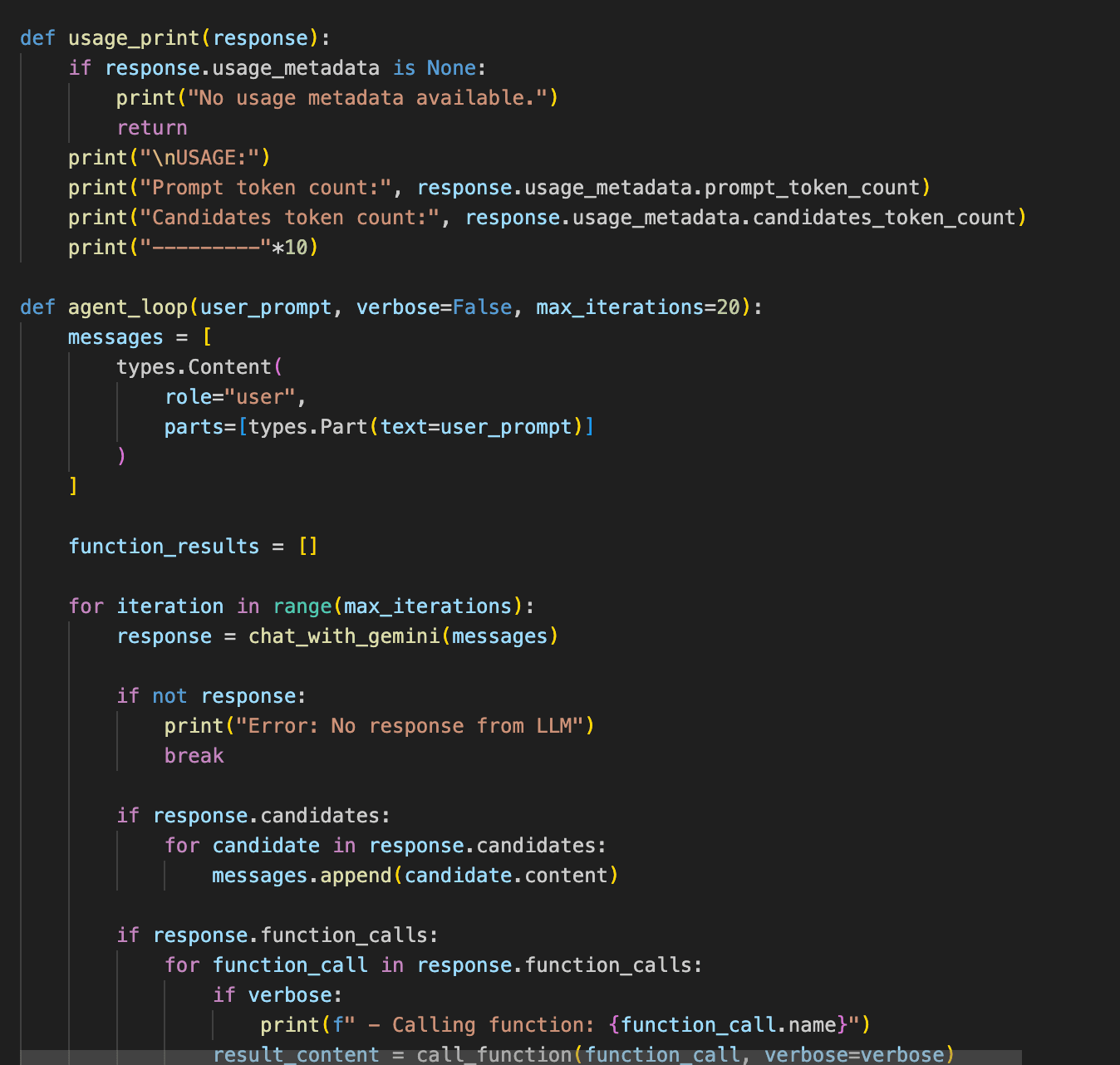
Gemini gets the system prompt, the tool schemas, and the conversation history. It decides: call a function, or give the final answer. If it calls a function, the result goes back into the conversation. The model reasons over it, decides what to do next, and the loop repeats. When it's satisfied, it returns a final_response and the loop exits.
--verbose surfaces every intermediate step — which tools fired, what arguments were passed, what came back. Without it, the agent looks like magic. With it, it looks like what it is: a model reading its own tool output and deciding what to read next.
Giving an LLM the ability to execute arbitrary Python on your machine is either a great learning exercise or a terrible idea. Probably both, simultaneously.
The Dark Side
The security notice in the README is not boilerplate. This agent can write and execute arbitrary Python. It has no sandbox, no filesystem restriction, no rollback. Point it at the wrong codebase with the wrong prompt and it will do exactly what you asked — which might not be what you meant.
That tension is, honestly, the most interesting part of the project. Every production code agent — Claude, Cursor, Devin — is solving this same problem at scale: how do you give a model real filesystem and execution access without it becoming a footgun? I didn't solve it. I just made it visible.
What I Learned
- Function calling is just structured output. The model doesn't "call" anything — it outputs a JSON blob that says "call this function with these args." Your code does the actual calling. That reframe made the whole pattern click.
- The loop IS the agent. The reasoning doesn't happen in one pass. It happens across multiple cycles of: observe → decide → act → observe again. The quality of the agent is the quality of that loop.
- System prompts are architecture. What you put in
config.pyshapes how the agent reasons about the available tools. A poorly written system prompt produces an agent that ignores half its toolkit. - Extensibility should be the default. Adding a new tool is three steps: define the schema, implement the function, add it to the map. That's the right design. Tools should be cheap to add.
- Build the thing you use. The fastest path to understanding how AI coding tools work was to write a broken version of one and debug it until it wasn't broken anymore.