// the_story
One Directory Apart
macOS 26 will happily play a drone shot of a coastline on my lock screen. It will not play mine.
There is no setting for it. No toggle, no API, no supported file to drop anywhere. The only difference between Apple's video and mine is which directory it sits in — and that directory is not documented, not stable, and not something Apple wants you touching.
So I went and found it.
Finding It
Apple's aerials live here:
The reliable way to find it on your own machine isn't a find sweep, it's Activity Monitor: locate WallpaperAerialsExtension, double-click it, open Files and Ports, and read the path it currently has open. The process tells you where it is looking.
Two things about that name cost me time. It is WallpaperAerials, plural — I typed the singular and concluded the process didn't exist. And it only runs while an animated wallpaper is actually rendering, so if you go looking with a static wallpaper set, there is nothing to find.
Apple's developer forums are explicit that the location and format of these files are implementation details, not API. That is the correct warning and I'm repeating it rather than burying it: a point update can revert all of this. The script backs up everything it touches and ships a restore script, because that is the only honest way to distribute something built on internals.
Swapping the file in is the easy part, and it isn't even mine — the base approach comes from a TechRechard guide. Everything below is what I found after that worked once and then immediately stopped working.
It Plays Once
The first lock was perfect. The second was a still image.
macOS does not loop custom wallpaper videos. It plays the file to the end and freezes on the final frame. The Console log leaves no room for interpretation:
The playback clock is still running at rate 1.00. It has simply advanced past the end of the media and nothing wraps it back to zero. There is no loop logic — there was never any need for one. Apple's own aerials run six minutes and longer, so a user watching their lock screen for a straight six minutes is the only person who would ever hit this.
No encoding parameter fixes it. Looping is a property of the player, and I don't own the player. So the workaround has two halves: repeat the clip inside a single long file so it takes a while to run out, and restart playback with a timer before it does.
Repeating it is where I lost an evening. Encoding the clip several times and concatenating the results with -c copy produces a visible black frame at every seam. The fix is to loop at the demuxer instead — -stream_loop N placed before -i, so ffmpeg re-reads one already-encoded file and copies the stream through unchanged.
Frozen On The Second Lock
Then a second freeze, with a different cause.
Once you unlock, the extension gets into a state where the next lock shows a stuck frame instead of playing. It isn't the file and it isn't the timer. Killing the process clears it completely, and launchd respawns a fresh one — so the workaround is to kill it on unlock and let the system rebuild it while you're looking at your desktop and can't see anything happen.
That is what Hammerspoon is for here, and it is the part I'd defend as boring on purpose. A launch agent watching for session events would have been more "correct" and considerably more work. Hammerspoon already exposes the exact events I need with a Lua callback, and the whole config is this:
Both objects have to be global. Declare either one local and Lua's garbage collector eventually takes it, at which point the watcher stops firing with no error, no log line, and no indication that anything has changed. It works for a day and then quietly doesn't.
The Fix That Made It Worse
The obvious next step was to also kill on systemDidWake. Lid-open is exactly when you want a clean extension, so catching the wake event seemed strictly better than waiting for the unlock.
It made the black flash on lid-open noticeably longer.
macOS already destroys the extension when the machine sleeps and relaunches it on wake. Killing it again on the wake event lands the killall in the middle of that relaunch — so the system starts a second one, right as the screen is coming up, and you watch both launches instead of one. I had added a process spawn to the exact moment I was trying to make faster.
screensDidUnlock fires after the desktop is on screen. A relaunch there costs the same time and you cannot see any of it. Same command, same effect on the extension, moved to a moment where the cost is invisible.
A fix that fires at the wrong moment is worse than no fix — it still runs, it still reports success, and it makes the thing you were trying to improve measurably worse.
Encode For The Panel
This was the single biggest quality win and it has nothing to do with the wallpaper system at all.
I encoded at 2560x1440 because 1440p is what you encode at. My screen is 2560x1664 — a 3:2 panel. The compositor stretched the file to fill it, and the artifacts were bad enough to see from across the room.
The trap is that the file looks fine everywhere you'd check it. QuickTime letterboxes it correctly. Preview is fine. The distortion only exists in the one context where you can't scrub, pause or inspect anything. Re-encoding at exactly 2560x1664 removed it entirely.
So the installer detects the display size, asks you to confirm it, and encodes to that exact number rather than to a preset.
-g 1 is the other flag worth explaining. All-keyframe encoding removed a small hesitation at every loop boundary — the decoder no longer has to reconstruct from a reference frame that just went away. It roughly triples the file size, which for a hundred-second clip is a trade I'll take every time.
One limit no flag fixes: source quality is the ceiling. Screen recordings out of ReplayKit come in at odd resolutions and variable frame rates, and no encoder recovers detail that was never captured.
The Thumbnail Fights Back
Replacing the picker tile in thumbnails/ works, survives a restart, and then silently reverts.
previewImage in entries.json is not a path. It's a remote Apple CDN URL, so macOS is perfectly happy to re-download Apple's original over the top of your PNG whenever it feels like refreshing. The script rewrites that field to a file:// URL pointing at the local thumbnail it just generated.
There is also a manifest.tar sitting next to the manifest/ directory. I never caught it re-extracting, but it is exactly the shape of thing that would, and if edits to entries.json ever revert with no other explanation, that is where I'd look first.
Three Quarters Of A Second
There is a black gap on lid-open. The clock renders on black, and then the video appears. I spent a while trying to shrink it.
Measured off a recording: UI at 2.0 seconds, wallpaper at 2.77. Three quarters of a second of clock floating on nothing.
I tried a smaller file. Barely moved. I tried disabling every piece of automation I'd added, in case my own killall was the cause — the gap was identical. What settled it was pgrep: the extension's PID changes across a lid cycle with all of my code switched off. The gap isn't decode time or file size or anything I introduced. It's launchd spawning a process, the XPC handshake, and the asset load, and none of those are mine to optimise.
So I wrote it down in the README as a known limit and stopped. Knowing which second you can't get back is worth more than a week of trying to get it back.
What Actually Ships
An installer that detects your display, lists your downloaded aerials so you choose which slot to take over, backs up Apple's video, thumbnail and entries.json to ~/Documents, encodes, installs, restarts the extension, and prints the Hammerspoon config with the timer already set for your file's duration. A restore script that puts all three back.
No sudo. Nothing written outside the home directory. It refuses to run on anything that isn't macOS 26 without an explicit confirmation, and it stops with a real error rather than a half-finished state when ffmpeg, python3, the aerials directory, or write permission on it are missing.
It targets stock /bin/bash — 3.2, the version Apple still ships. No mapfile, no associative arrays. Requiring a Homebrew bash to install a wallpaper would be an absurd trade.
One last thing worth knowing: after unlock, macOS freezes your desktop wallpaper on frame 0 of the video. If you want the desktop moving too, that's a separate problem with a separate tool — Plash pointed at a local HTML file with a looping <video> tag. The two compose cleanly. Plash owns the desktop, this owns the lock screen.
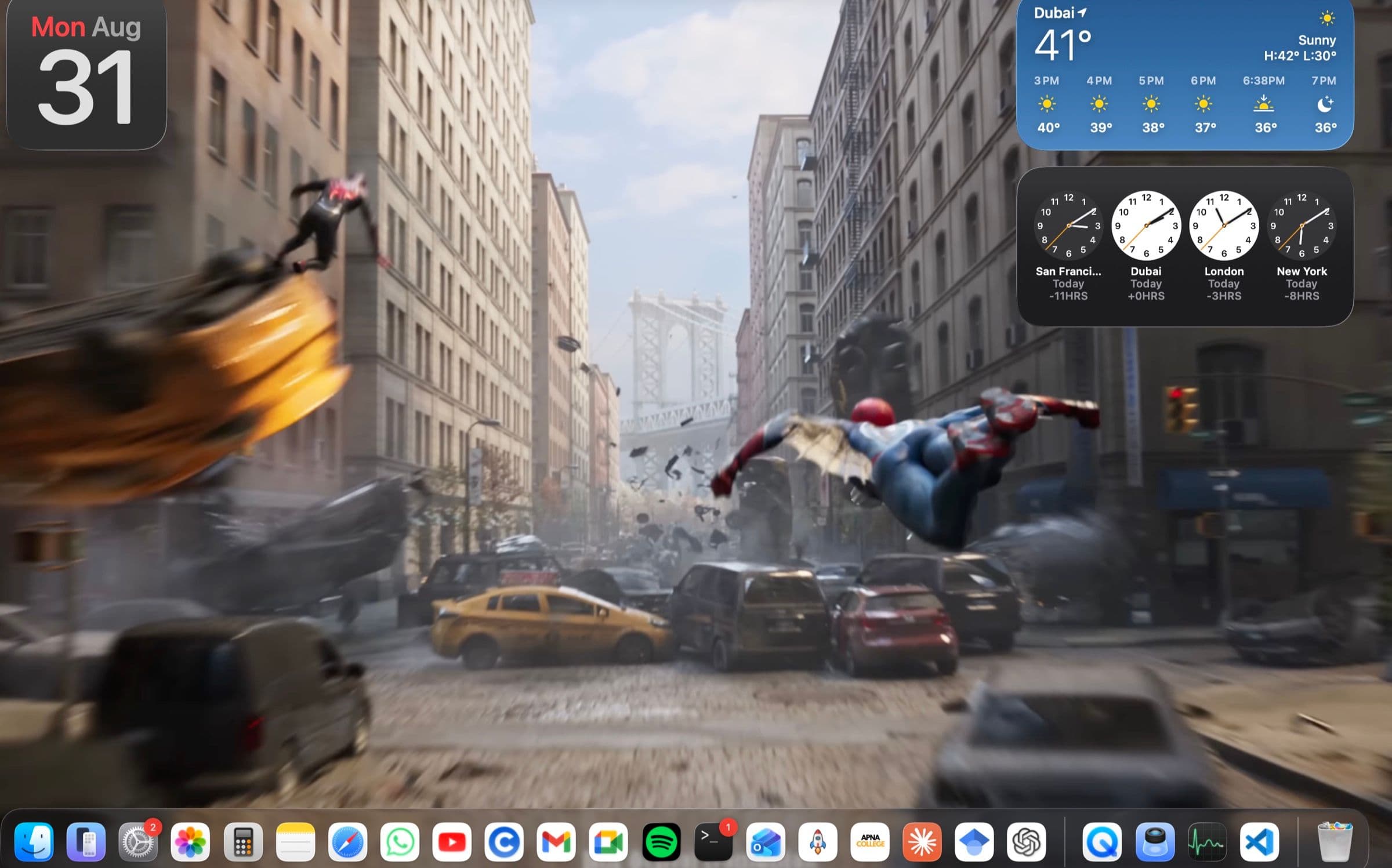
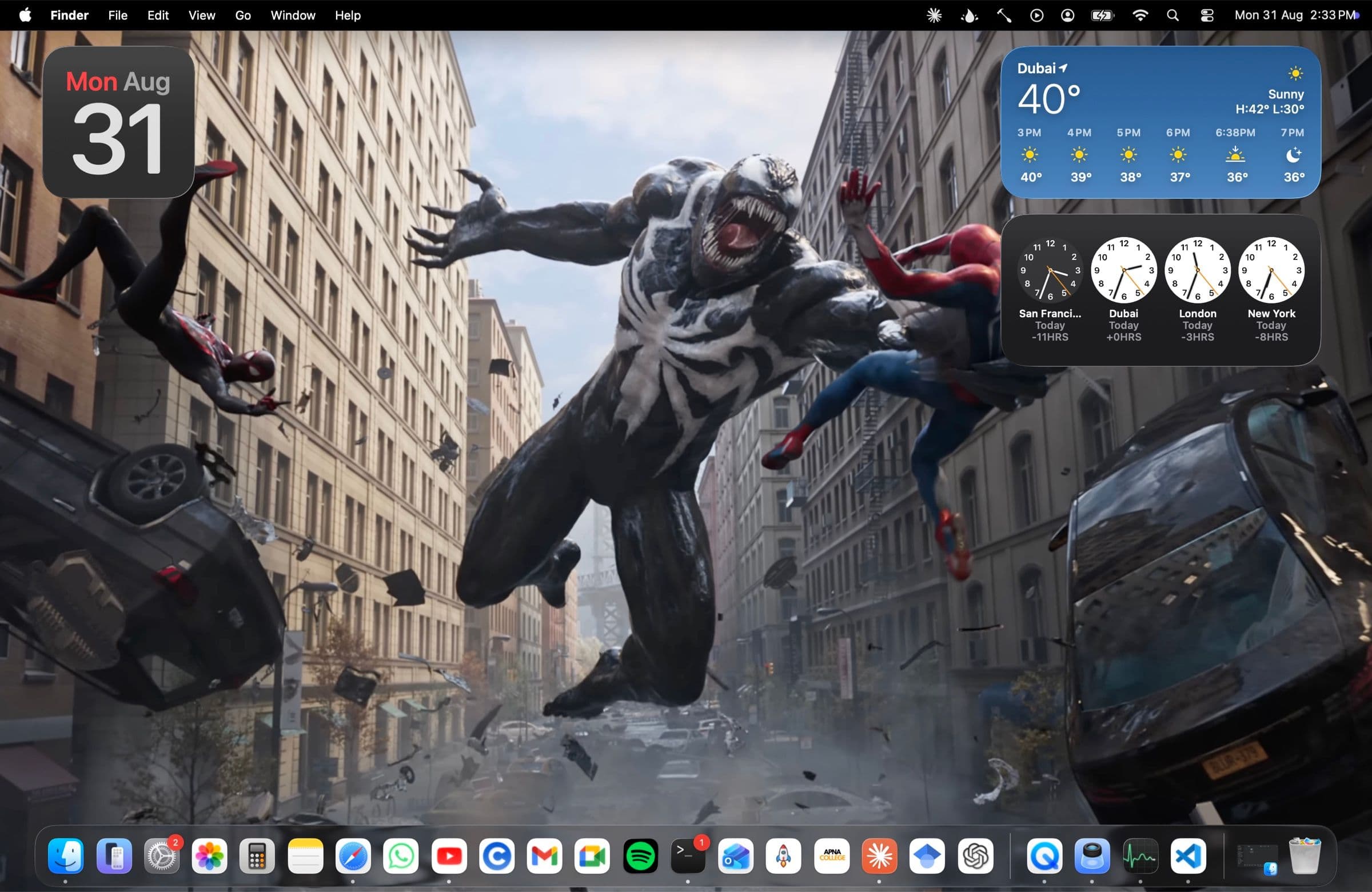
The screenshots on this page are that desktop half. The lock screen is the one surface on this machine you cannot take a screenshot of.
What I Learned
- Read the log before you touch the file. An evening of encoding experiments would have been avoided by one line of Console output.
rate 1.00past the end of the media says the player never loops, which is not a problem any codec flag can solve. I was tuning the artifact because it was the part I knew how to tune. - Verify in the context that matters, not the convenient one. The stretched video looked correct in QuickTime, in Preview, and in ffprobe's metadata. It was only wrong on the compositor — the one surface with no scrubber, no inspector, and no way to check anything except looking at it.
- The event you attach to is part of the fix.
killallon wake andkillallon unlock are the same command with the same effect on the same process. One doubles the visible delay and the other is invisible. Correct behaviour at the wrong moment is still a regression. - Silence is a failure mode. A
localHammerspoon timer gets collected and stops firing with no error. A revertedpreviewImagelooks like it never applied. Neither raises anything. On someone else's platform, the failures that cost you time are the ones that don't announce themselves. - Build the undo first. Everything here writes to undocumented internal paths on a live machine. The backup step and
restore-original.shexisted before the encode pipeline did, because a hack you can't reverse isn't a hack, it's damage.
Tested on exactly one machine: an M2 MacBook Air, macOS 26.0, one built-in display. Intel Macs and multi-display setups are untested and I've said so in the README rather than pretending otherwise.
It is a wallpaper. It took a weekend and it will break on the next point release. I'd still call it the most fun I've had reading a Console log.